
Customer Logistics Requirements
FAQs for Loady users
It is not currently possible to directly restore data within Loady. Please contact the Customer Success Team.
Simply send us your idea by email to support@loady.com. We collect all ideas and evaluate them based on feasibility, effort, and suitability for Loady. You will receive an update on the status of your idea. If it involves a new, complex functionality, we will also contact you to clarify the specific requirements.
Initially, the object structure should be set up in Loady (sites, loading points, assignment of products to loading points, company products, business partners including sites, unloading points, assignment of products to unloading points). It is important to consider the dependencies between the individual object types (e.g., a loading point cannot be created before the site has been set up; a company product cannot be assigned to an unloading point at a business partner before the business partner, the business partner's site, and the unloading point exist).

Once the object structure has been set up, you can begin managing the requirements at the level of the respective objects.
An Inbound or Outbound Master includes requirements that apply to multiple Inbound or Outbound Products at a loading/unloading point. For example: At a site there is a loading point where 10 Outbound Products are loaded with identical loading requirements. Instead of maintaining the requirements 10 times for the individual products, these requirements can be stored once in an Outbound Master . When the Outbound Products are assigned to this Outbound Master , the requirements maintained at the master level are transferred to the individual Outbound Products.
The creation and maintenance of an Outbound Master (Inbound Master similarly) is done as follows:
- Create the Outbound Master as an object and maintain the requirements
- Assign the associated Outbound Products to the Outbound Master
Important: As soon as Outbound Products are assigned to an Outbound Master , the originally stored data of the individual Outbound Productswill be overwritten. This means they are deleted and cannot be restored. If Outbound Products are removed from an Outbound Master , the master's requirements remain, but the data is simply no longer synchronized. From this point on, they must be manually edited at the product level.
A fundamental prerequisite for deleting objects in Loady is that the object is not contained in any connecting elements, such as in requirement profiles and lanes .
Examples:
- To delete an outbound product, all requirement profiles and lanes in which the outbound product is contained must first be deleted.
- At all loading/unloading points where the company product was assigned as an inbound or outbound product , it must be removed before it can be deleted.
To delete various objects in Loady, the following order must be observed:
- Requirement profiles
- Lanes
- Inbound and outbound products
- Company products
- Loading and unloading points (buildings)
- Sites
- Business partners
We are happy to support you with the initial setup of the data. Based on our experience, we can recommend some best practices. Generally, during the initial data setup on Loady, it is advisable to designate a central contact person to coordinate and monitor the setup (e.g., ensuring all sites are created, all products assigned).
Additionally, expertise from various departments is required for data setup. Which departments actually need to be involved in the data setup depends on the client's organization and the distribution of responsibilities. Based on previous experience, expertise from the following departments is needed:
- Sites and loading/unloading points within your own company: employees from site management or those responsible for loading/unloading points
- Company products: Employees from product management, quality management, or technical marketing
- Business Partners and all associated objects such as sites, unloading points, inbound products and associated unloading requirements are usually maintained or managed by customer service or sales employees
- Previous loading restrictions: Employees from quality management, technical marketing, or those responsible for loading points
- Tenders: Employees from the purchasing organization
- ERP structure: Key users or employees from IT departments
Currently, only data related to created lanes can be downloaded. This includes data for actively used lanes under Lane Management or data for lanes assigned to a tender (Loady4Tender), can be downloaded.
For additional data exports, the Customer Success Team can be requested.
Loady offers various tutorials. You can access the latest tutorials directly in Loady via the dashboard or through the following link: Tutorials
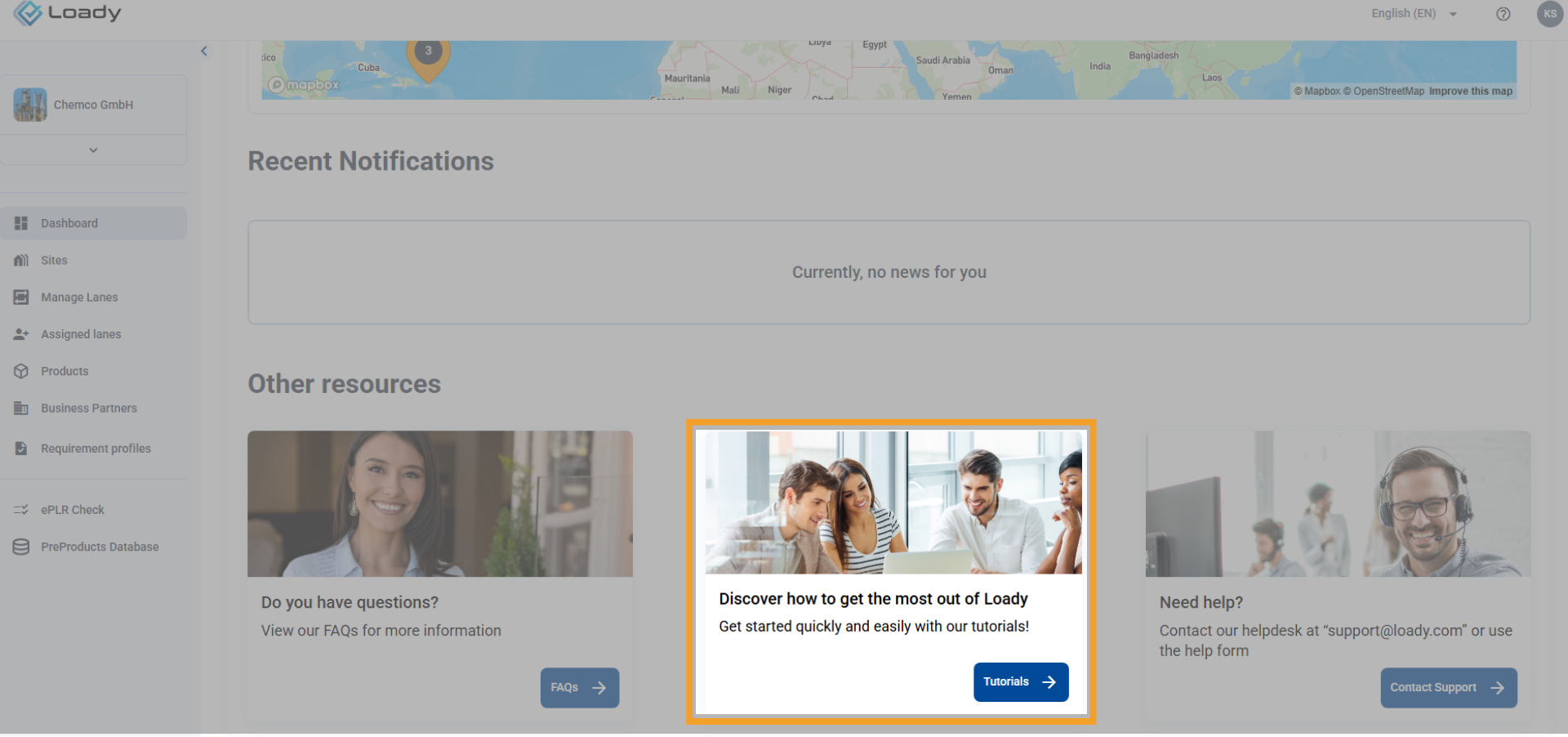
In addition, other tutorials are available to you, which are stored centrally within your organization (e.g., cloud storage). For these, please contact your internal Loady representative. We are continuously adding new tutorials and are planning a central location within the application for easy access. We prioritize the creation of tutorials based on our assessment of customer needs.
Should you urgently need a tutorial on a specific topic, please contact support@loady.com. This allows us to take it into account in our internal prioritization.