
Logistics Requirements for Tenders
FAQs for Loady users
Loady offers various tutorials. You can access the latest tutorials directly in Loady via the dashboard or through the following link: Tutorials
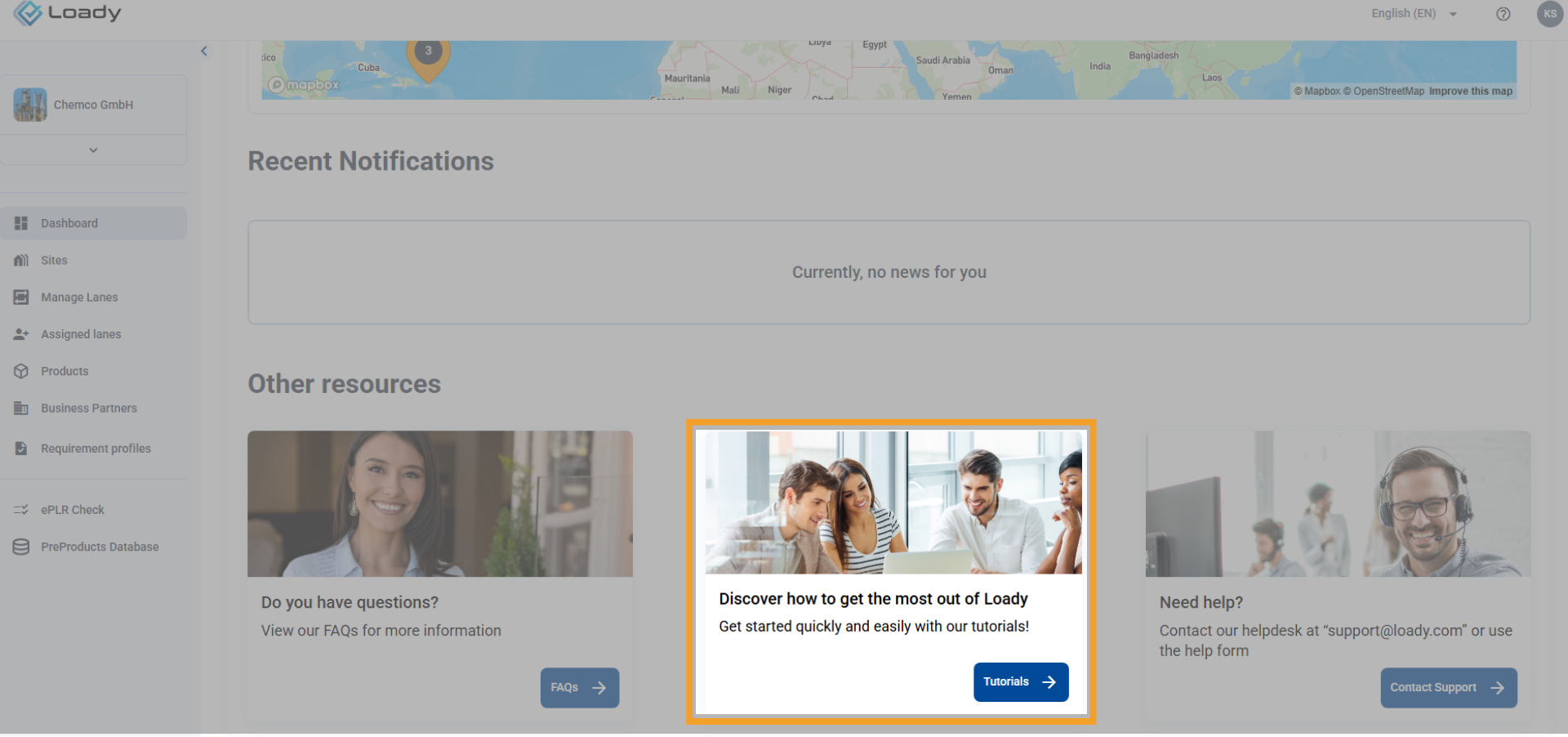
In addition, other tutorials are available to you, which are stored centrally within your organization (e.g., cloud storage). For these, please contact your internal Loady representative. We are continuously adding new tutorials and are planning a central location within the application for easy access. We prioritize the creation of tutorials based on our assessment of customer needs.
Should you urgently need a tutorial on a specific topic, please contact support@loady.com. This allows us to take it into account in our internal prioritization.
A fundamental prerequisite for deleting objects in Loady is that the object is not contained in any connecting elements, such as in requirement profiles and lanes .
Examples:
- To delete an outbound product, all requirement profiles and lanes in which the outbound product is contained must first be deleted.
- At all loading/unloading points where the company product was assigned as an inbound or outbound product , it must be removed before it can be deleted.
To delete various objects in Loady, the following order must be observed:
- Requirement profiles
- Lanes
- Inbound and outbound products
- Company products
- Loading and unloading points (buildings)
- Sites
- Business partners
If an integration is performed via the Loady API, the reference numbers of the Ship-to-Parties from the ERP/TMS system must be used for creating Business Partners on Loady.
In many submodules, free text fields are available that can be used. If the data could benefit from a structured field (e.g., recurring data), please contact the Customer Success Team. We will work with you to find a solution.
Missing dropdown values can be requested in the same way. If it's a value commonly used as a standard in the (chemical) logistics environment, it can be added quickly.
Currently, only data related to created lanes can be downloaded. This includes data for actively used lanes under Lane Management or data for lanes assigned to a tender (Loady4Tender), can be downloaded.
For additional data exports, the Customer Success Team can be requested.
For all objects that can be created in Loady, there is the option to perform the (initial) setup via CSV upload:
- Company Products
- Sites
- Loading/Unloading Points (own company/business partner)
- Assignment of products to loading/unloading points (own company/business partner)
- Business Partners
- Requirement Profiles
- Lanes & Update Partners in Lanes
- Previous loading Restrictions
Please note that via CSV upload no requirements can be uploaded. For some objects, basic information can also be created in the CSV templates (e.g., unloading times, addresses). Generally, objects can be created via CSV upload, but the requirements must then be maintained via the user interface.
There is no universal solution for structuring data in Loady. The structure in Loady should mirror the data structure of the ERP system. The following provides some guidance to minimize potential conflicts.
Object names should be clear and unambiguous to ensure good clarity. For a functional exchange of data between the ERP system and Loady, the field ERP Reference Number, which must be maintained for each object, is crucial. The exact designation from the ERP system must be entered here.
For optimal clarity and assignment of different loading/unloading requirements, it is recommended that separate loading/unloading points be created for clearly distinguishable loading procedures.
The following are examples of how loading/unloading points can be divided according to different loading procedures:
- Bulk products vs. packed products
- Container vs. truck loading
For example, a site could be created in Loady that includes several loading/unloading points.
In this example, these are clearly separated by the type of goods being loaded or the processes required for loading:
- Site: 001
- Loading Point: 001_Bulk
- Loading Point: 001_Packed_ Truck Loading
- Loading Point: 001_Packed_ Container Loading
Should any ambiguities arise regarding the data structure, our Customer Success Team is happy to provide individual consultation.
In cases where free text fields are not maintained in all input languages available on Loady, Loady defaults to the standard language English . This means that free text fields must always be maintained in at least English. Otherwise, data in free text fields cannot be saved. If Loady is used in another language, e.g., German, to maintain the content in English, the input language must be changed via the language selection for free text fields to English.

If the data is only maintained in English, the English entry will be displayed as a fallback when Loady is used in another language.