
Key takeaways
NEW: transport groups (outbound/inbound) – product lists – business partners – order deletion Loady2Go – user permissions – change column widths – contact data – list views for verifiers
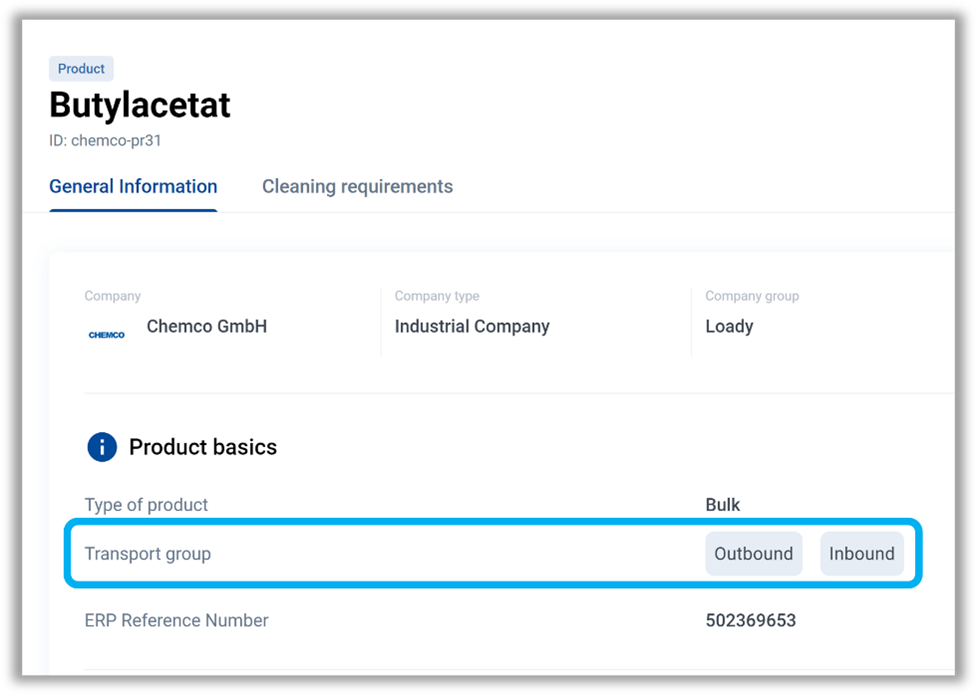
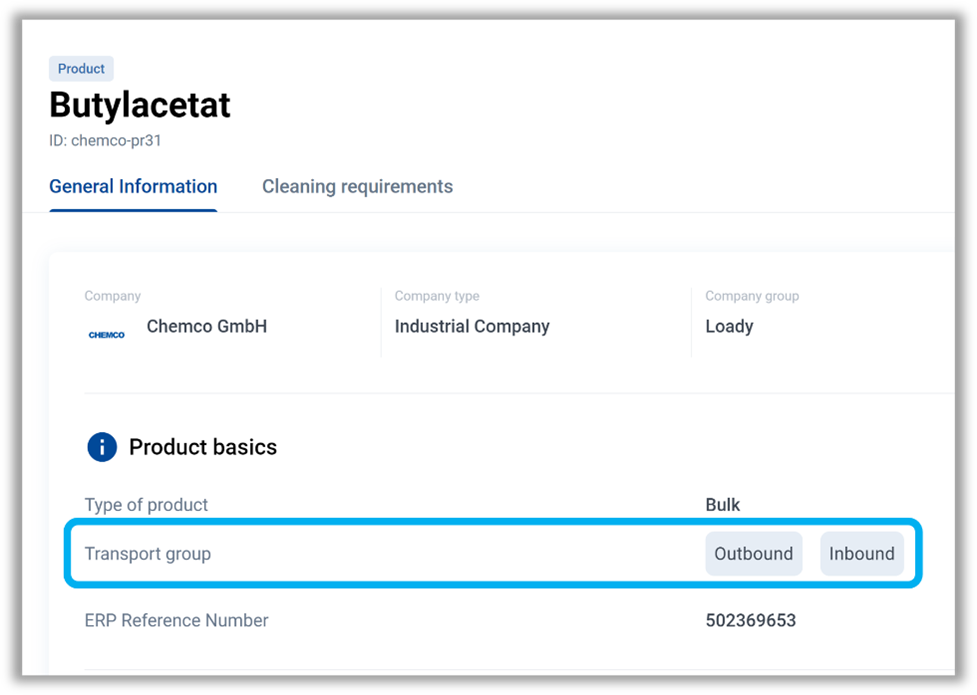
1. Determine transport group (outbound/inbound), automatically
From now on, when you assign a product to a loading or unloading point, the transport group of a product (outbound for outgoing goods or inbound for incoming goods) is determined, automatically.
If a product is not assigned, the field “Transport group” is empty.
There is no possibility to add the transport group to the product, manually.
2. Product lists
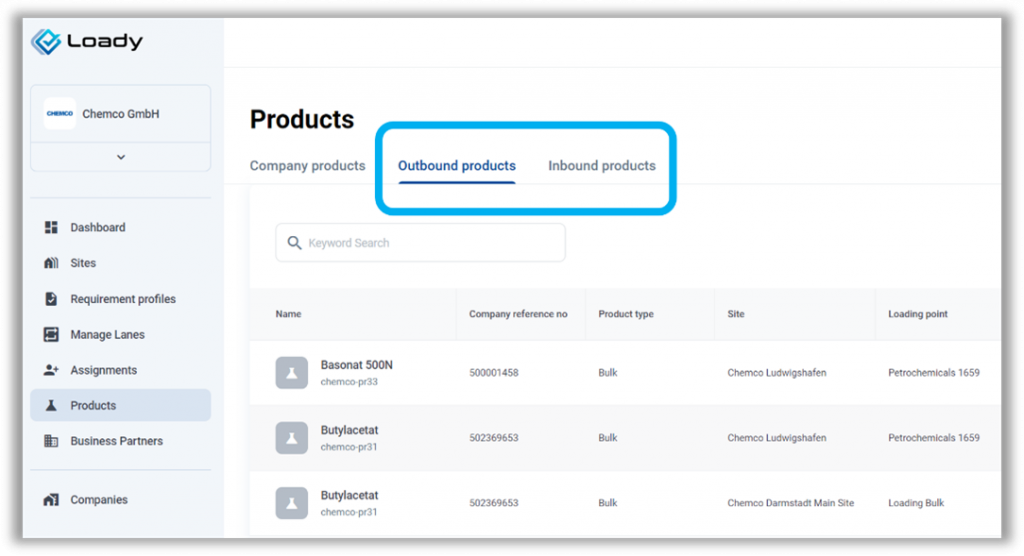
To improve the product search experience, there are now two additional product list views available:
- Outbound products for all products that are assigned to at least one loading point
- Inbound Products for all products that are assigned to at least one unloading point
3. Business Partners moved to a separate domain
For fast and more comfortable navigation through Business Partners, we moved them to a separate domain in the left side navigation. Clicking on “Business Partners” you get directly to the Business Partner List of your company.

4. Object tags
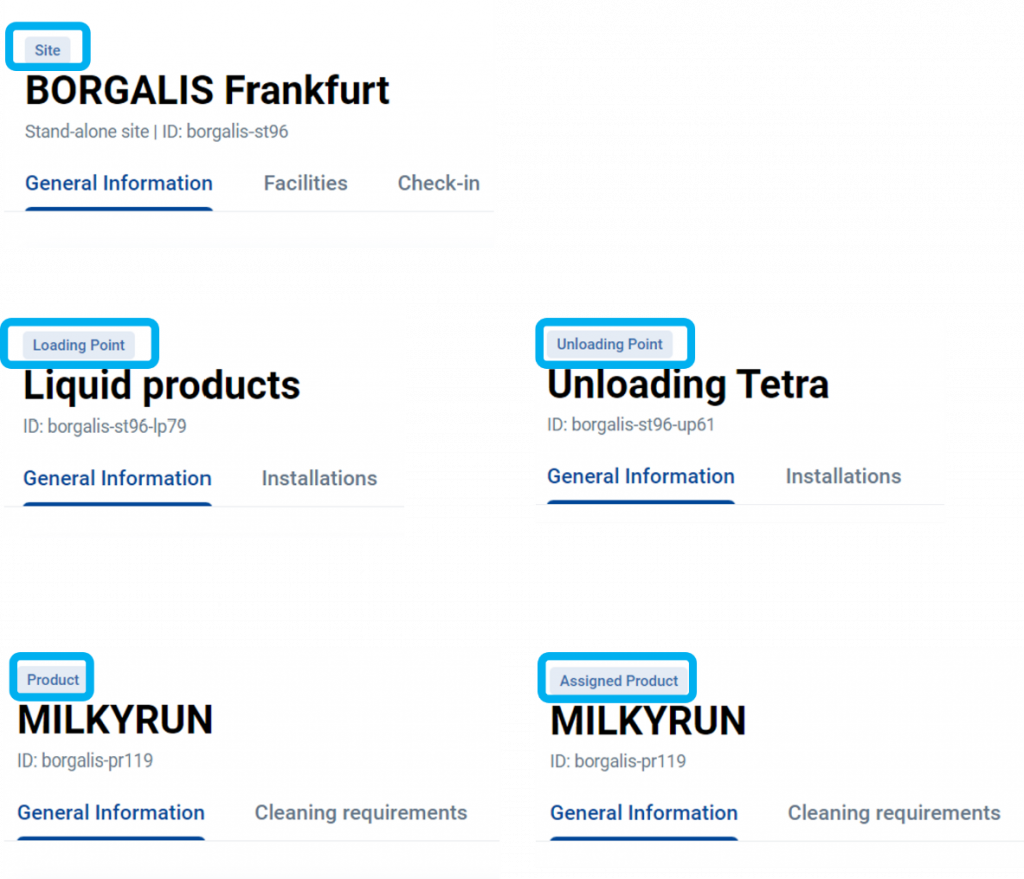
To ensure that you always now what kind of object you are working with we added tags with object name to site, loading/unloaoding point, product and assigned product.
The tags of objects of your company are blue, the tags of your business partners are grey.
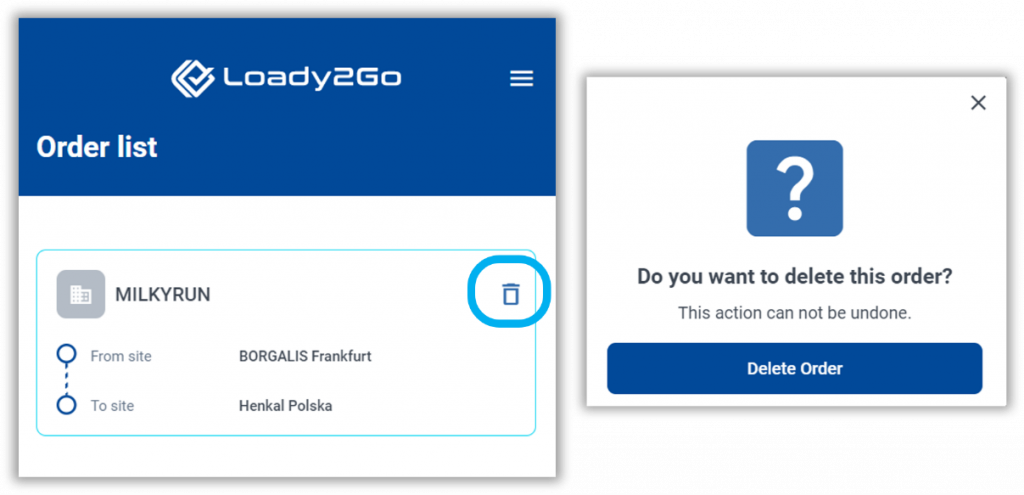
5. Delete order from Loady2Go order list
The links for Loady2Go, have a limited validity. Once the validity expires, they disappear automatically from the order list. If you want to delete the order prior to the expiration date you can use the delete button. Otherwise, the order stays in order list until it is deleted automatically by the system when it expires.
6. Maintenance
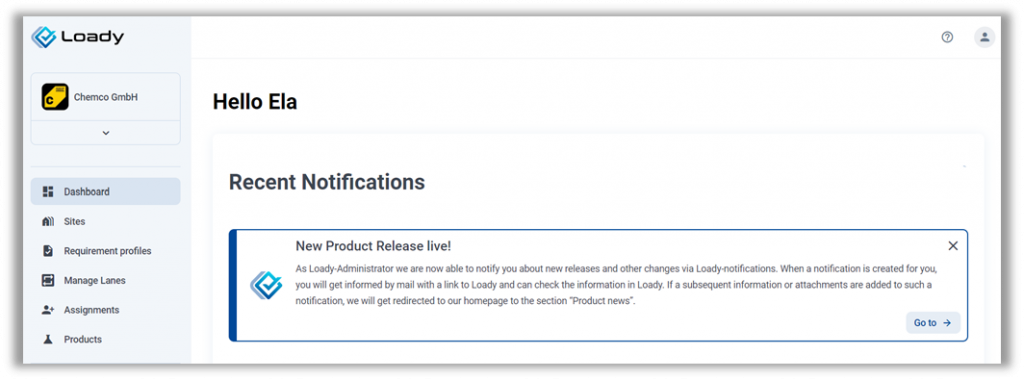
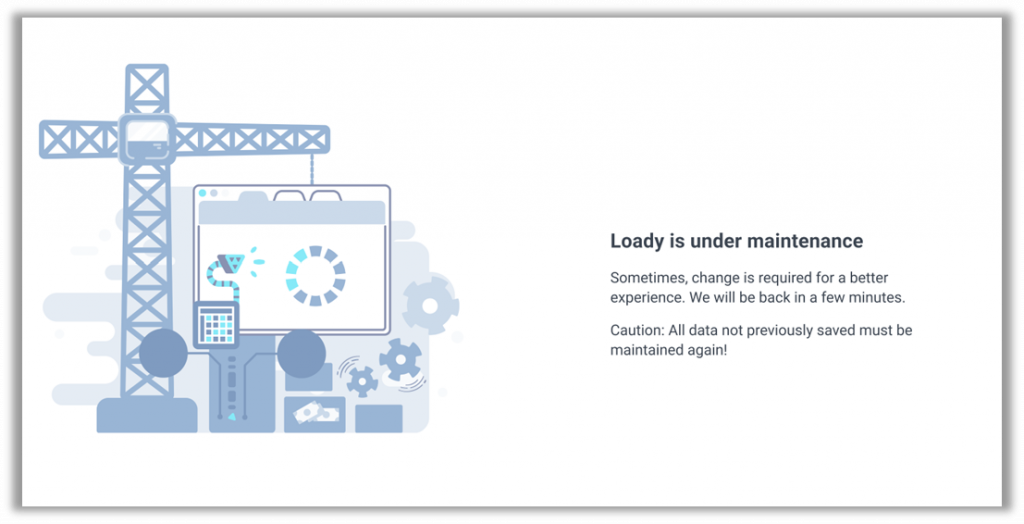
We frequently release new features and improvements to the production system. Although we try to minimize the release time there is still a short break during the release where system will not be available. From now on, users are informed by a maintenance notification, when Loady is being released.
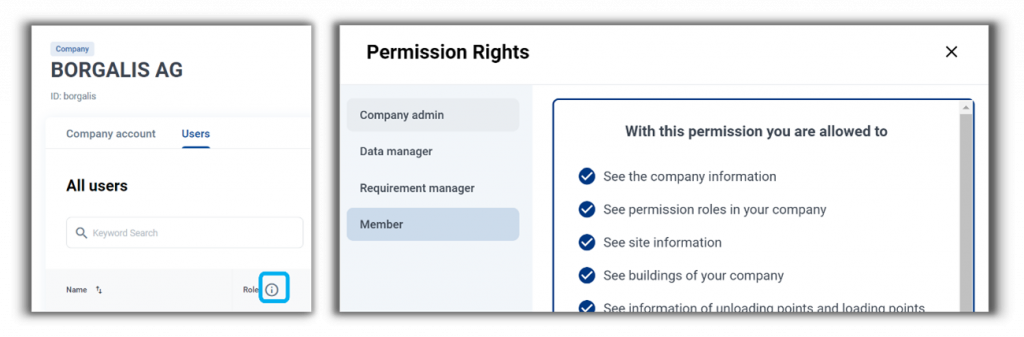
7. Information on user permissions
If you want to know, what your permission rights are, go to the “Users” tab of your company and click on the info icon next to the role.
8. Change column width in lists
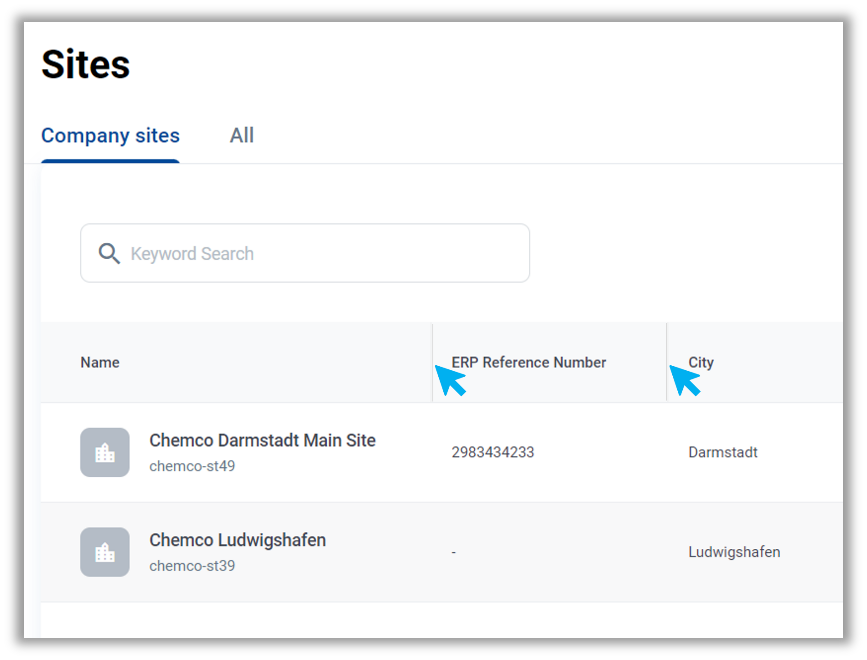
You can change the column width in all list views by clicking on the divider between column titles and moving it to the right or to the left.
9. Contacts removed from “Additional information” of Site
The General information of a Site is visible to all Loady users. That’s why we removed the Contact information from this page. If required in the future, we will implement a separate module for Contacts, that will be visible only with the corresponding permission rights.
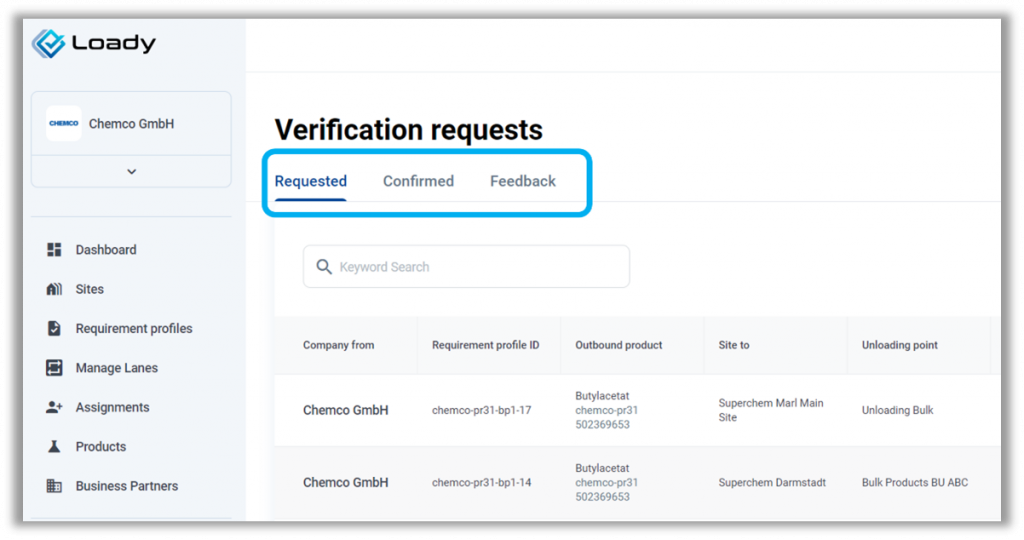
10. Additional list views for verifiers
In addition to open verification requests, a verifier can access from now on two additional lists, one for confirmed requests and one for requests he or she sent feedback to the requestor.